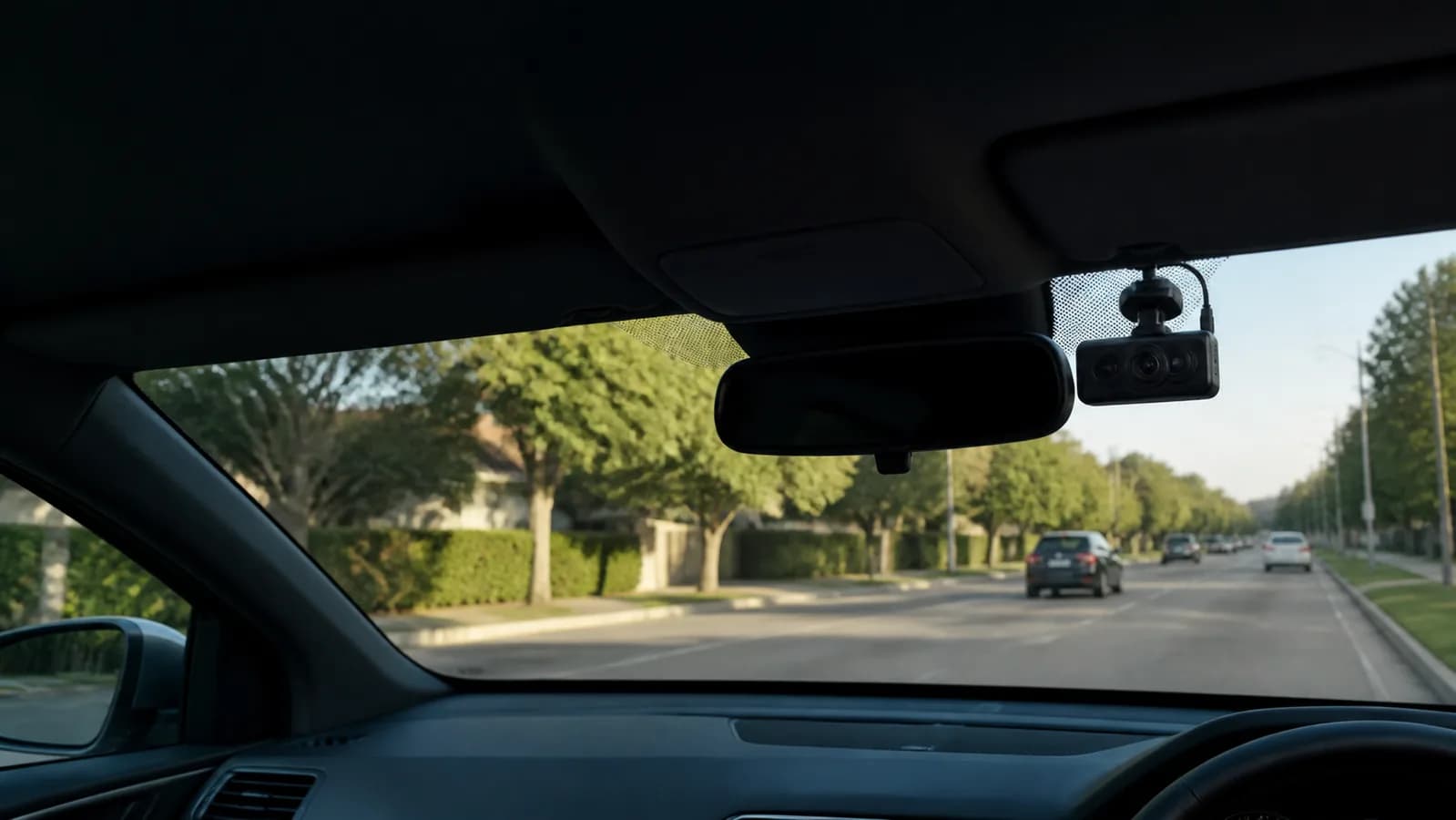
Claim evidence gear
Best Dash Cams for Insurance Claims: 3 Practical Picks
A dash cam cannot decide fault or guarantee that an insurer accepts a claim. It can, however, preserve time-stamped context that may help explain what happened before, during, and after a crash.
- Published
- Aug 10, 2026
- Reviewed
- Aug 10, 2026 by United Car Insurance Editorial Team
Comparison at a glance
| Product | Best for | Key fit | Important limit | Product link |
|---|---|---|---|---|
| REDTIGER F7NP | Drivers who want front-and-rear coverage | Front-and-rear context | More wiring than a front-only camera | View on Amazon |
| ROVE R2-4K | Drivers prioritizing detailed front footage | Detailed front recording | No rear camera in this configuration | View on Amazon |
| Garmin Dash Cam Mini 2 | A discreet, compact installation | Compact profile | Lower resolution than 4K alternatives | View on Amazon |
Choose by driving situation
The strongest choice depends on how and where the equipment will be used. Start with the situation, then compare features.
| Your situation | Prioritize | Avoid |
|---|---|---|
| Dense traffic or frequent rear-end risk | Front-and-rear recording and reliable loop storage | Choosing front-only solely for the lowest setup cost |
| Leased car or minimal installation | Small camera, removable mount, simple power routing | Permanent wiring before checking lease terms |
| Street parking and hit-and-run concern | Documented parking mode and battery protection | Assuming parking mode works without a hardwire kit |
| Driver dislikes apps | Simple physical controls and removable card access | A phone-dependent workflow that will not be maintained |
Editorial analysis
What makes dash cam footage useful after a crash
Resolution is only one part of usable evidence. A camera must also expose bright skies and dark vehicles well enough to preserve lane position, signal timing, vehicle movement, and the sequence of events. A clean 1080p recording can be more useful than poorly exposed 4K footage.
Front-and-rear coverage answers more questions but creates additional wiring and storage demands. Drivers who park on the street, carry passengers for work, or regularly drive in dense traffic may value the second view more than a driver who wants a discreet record of the road ahead.
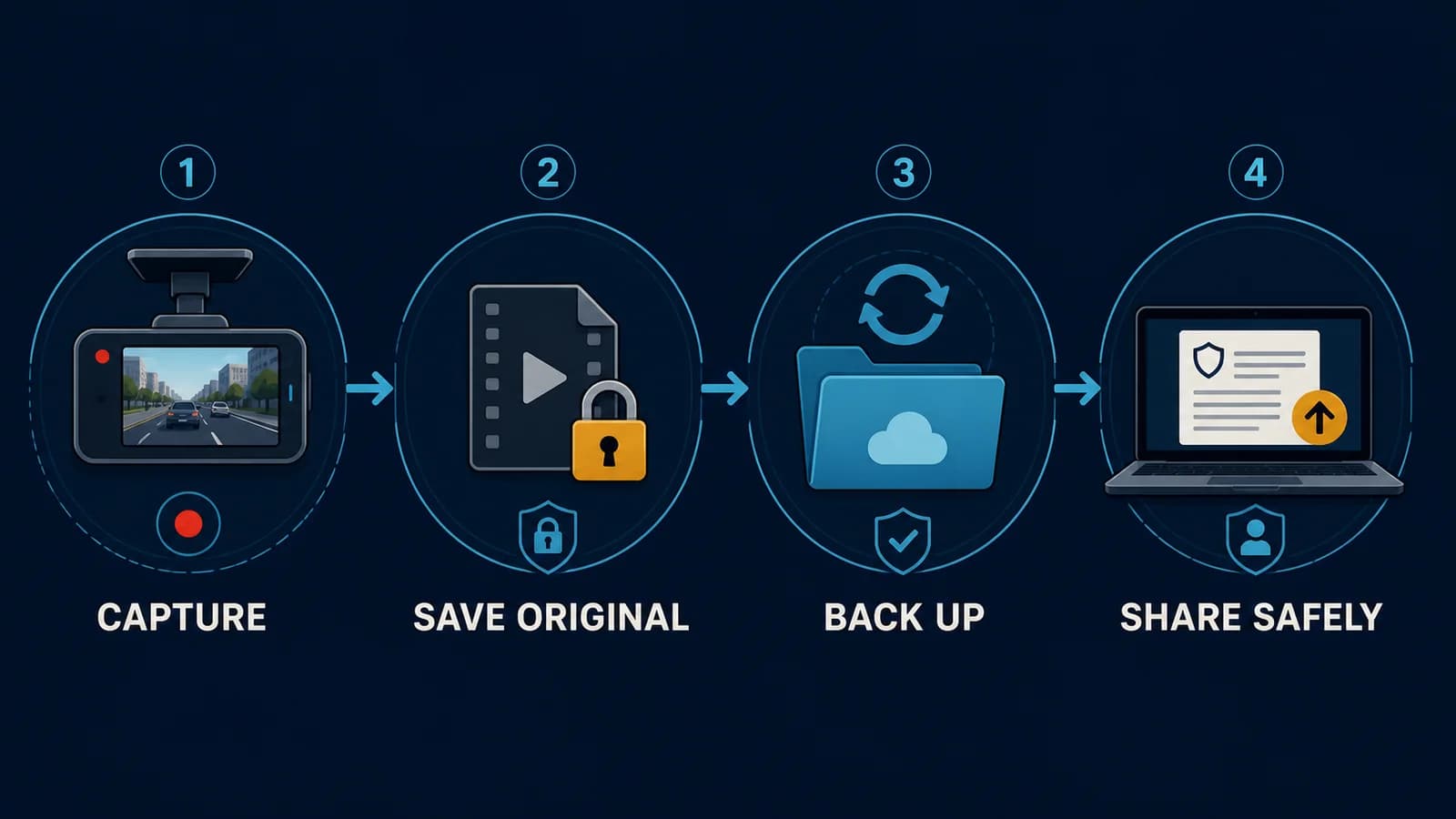
File retrieval is the practical dividing line. After installation, save a test clip, transfer it to another device, and confirm the date and time. If that process is confusing on a calm day, it will be worse after a collision.
How we selected these options
We evaluated the products against the job this guide is meant to solve. The list is a decision shortlist, not a claim that one product is universally best.
- Recording coverage: front-only versus front-and-rear context.
- File access: how easily footage can be reviewed and exported after an incident.
- Installation burden: camera size, wiring, mounting, and parking-mode requirements.
- Storage and reliability: loop recording, memory-card support, and heat-aware placement.
- Claim usefulness: whether the setup captures the road view without distracting the driver.
Our three practical picks
Pick 1 · Drivers who want front-and-rear coverage
REDTIGER F7NP
A dual-camera setup with 4K front recording, rear coverage, Wi-Fi, GPS, and a bundled memory card.
- Coverage
- Front and rear
- Front recording
- Up to 4K
- Connectivity
- Wi-Fi and GPS
- Storage
- Memory card included
Where it fits
- Front-and-rear context
- Wi-Fi and GPS features
- Memory card included
Limitations to know
- More wiring than a front-only camera
- Parking mode requires a compatible hardwire setup
Compatibility: Best for vehicles where both front and rear cabling can be routed safely.
Check product on Amazon →Pick 2 · Drivers prioritizing detailed front footage
ROVE R2-4K
A front-facing 4K camera with GPS, Wi-Fi connectivity, a wide view, and support for high-capacity storage.
- Coverage
- Front only
- Recording
- Up to 4K
- Field of view
- 150 degrees
- Connectivity
- Wi-Fi and GPS
Where it fits
- Detailed front recording
- GPS and Wi-Fi
- Broad storage support
Limitations to know
- No rear camera in this configuration
- A wide view does not replace side or rear evidence
Compatibility: A straightforward option for drivers who mainly want a clear forward road view.
Check product on Amazon →Pick 3 · A discreet, compact installation
Garmin Dash Cam Mini 2
A very small 1080p camera with a 140-degree field of view, voice control, and connected app features.
- Coverage
- Front only
- Recording
- 1080p
- Field of view
- 140 degrees
- Format
- Ultra-compact
Where it fits
- Compact profile
- Voice control
- Simple forward-facing setup
Limitations to know
- Lower resolution than 4K alternatives
- Connected features depend on phone and app setup
Compatibility: Useful when windshield space and a low-visibility installation are priorities.
Check product on Amazon →Setup and ownership plan
- 1
Frame the road
Mount high and centered where permitted, without blocking the driver or vehicle sensors.
- 2
Protect the power path
Route cables away from pedals, airbags, moving trim, and the driver's view.
- 3
Create a test incident
Lock, export, and play one sample clip on a second device before relying on the camera.
- 4
Maintain evidence quality
Clean the lens, check storage health, and confirm time settings at regular intervals.
Questions to answer before checkout
- Is the memory card included and rated for repeated recording?
- What is required for parking mode?
- Can clips be exported without a paid subscription?
- Does the rear-camera cable fit the vehicle length?
- What operating-temperature range is documented?
Common buying mistakes
- Buying 4K without budgeting for suitable storage
- Submitting an edited clip without preserving the original
- Recording cabin audio without checking consent rules
- Letting a loose cable interfere with airbags or controls
Buying checklist
- Confirm whether you need front-only or front-and-rear coverage.
- Check whether a memory card and parking-mode wiring kit are included.
- Verify local rules for windshield placement and audio recording.
- Practice saving one clip before you rely on the camera in an emergency.
- Keep the lens clean and confirm the date and time periodically.
Frequently asked questions
Can dash cam footage prove who was at fault?+
It may support a version of events, but insurers, police, and courts consider the full evidence. A camera view can also miss side impacts, signals, or events outside the frame.
Should I send footage to the insurer immediately?+
Preserve the original file first. Tell the adjuster footage exists and ask how they want it submitted. Do not edit or overwrite the original recording.
Is a 4K dash cam necessary for insurance claims?+
Not always. Stable exposure, a clean lens, correct placement, and retrievable files can matter as much as headline resolution.
Do I need parking mode?+
Parking mode can help with unattended incidents, but it often needs compatible hardwiring and battery-protection settings. Confirm installation requirements first.
Are dash cams legal in every state?+
Rules can differ for windshield obstruction, audio consent, and privacy. Check current state and local requirements before installation or recording audio.