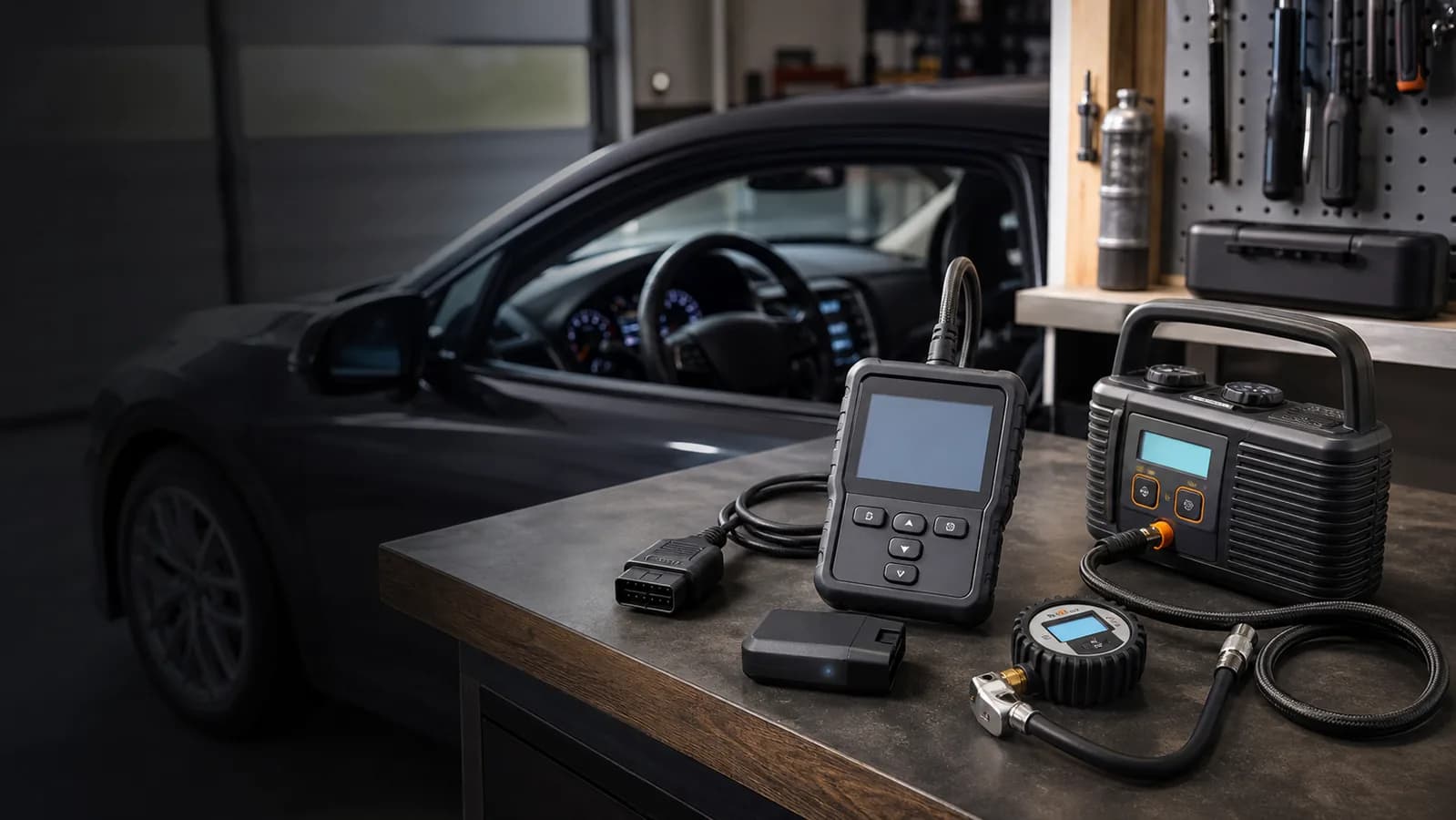
Understand warning lights
Best OBD2 Scanners for Beginners: 3 Clear Choices
An OBD2 scanner can retrieve diagnostic trouble codes and help you ask better questions. It does not automatically identify the failed part, confirm a safe repair, or replace a qualified inspection.
- Published
- Aug 10, 2026
- Reviewed
- Aug 10, 2026 by United Car Insurance Editorial Team
Comparison at a glance
| Product | Best for | Key fit | Important limit | Product link |
|---|---|---|---|---|
| BlueDriver Bluetooth Pro OBD2 Scanner | App-guided diagnostics and broader system access | Guided app experience | Advanced-system coverage varies by vehicle | View on Amazon |
| ANCEL AD310 | Simple check-engine-code reading | Standalone operation | Primarily engine diagnostics | View on Amazon |
| Veepeak OBDCheck BLE | Drivers who want to choose their own app | Small adapter | Capabilities and costs depend on the chosen app | View on Amazon |
Choose by driving situation
The strongest choice depends on how and where the equipment will be used. Start with the situation, then compare features.
| Your situation | Prioritize | Avoid |
|---|---|---|
| Occasional check-engine light | Standalone reader with clear read/erase controls | Paying for advanced systems you will not use |
| Learning live data | Bluetooth app with graphs, export, and documented vehicle support | An adapter with unclear app costs |
| ABS or airbag warning | Exact enhanced-system compatibility | Assuming standard OBD2 covers every module |
| Used-car inspection support | Readiness monitors, pending codes, and saved reports | Treating a clean scan as proof the vehicle is problem-free |
Editorial analysis
The scanner reads a clue, not the failed part
A diagnostic trouble code points to the system condition that crossed a threshold. It does not prove that the component named in the code is defective. Wiring, leaks, connectors, power supply, sensors, and downstream effects can produce similar codes.
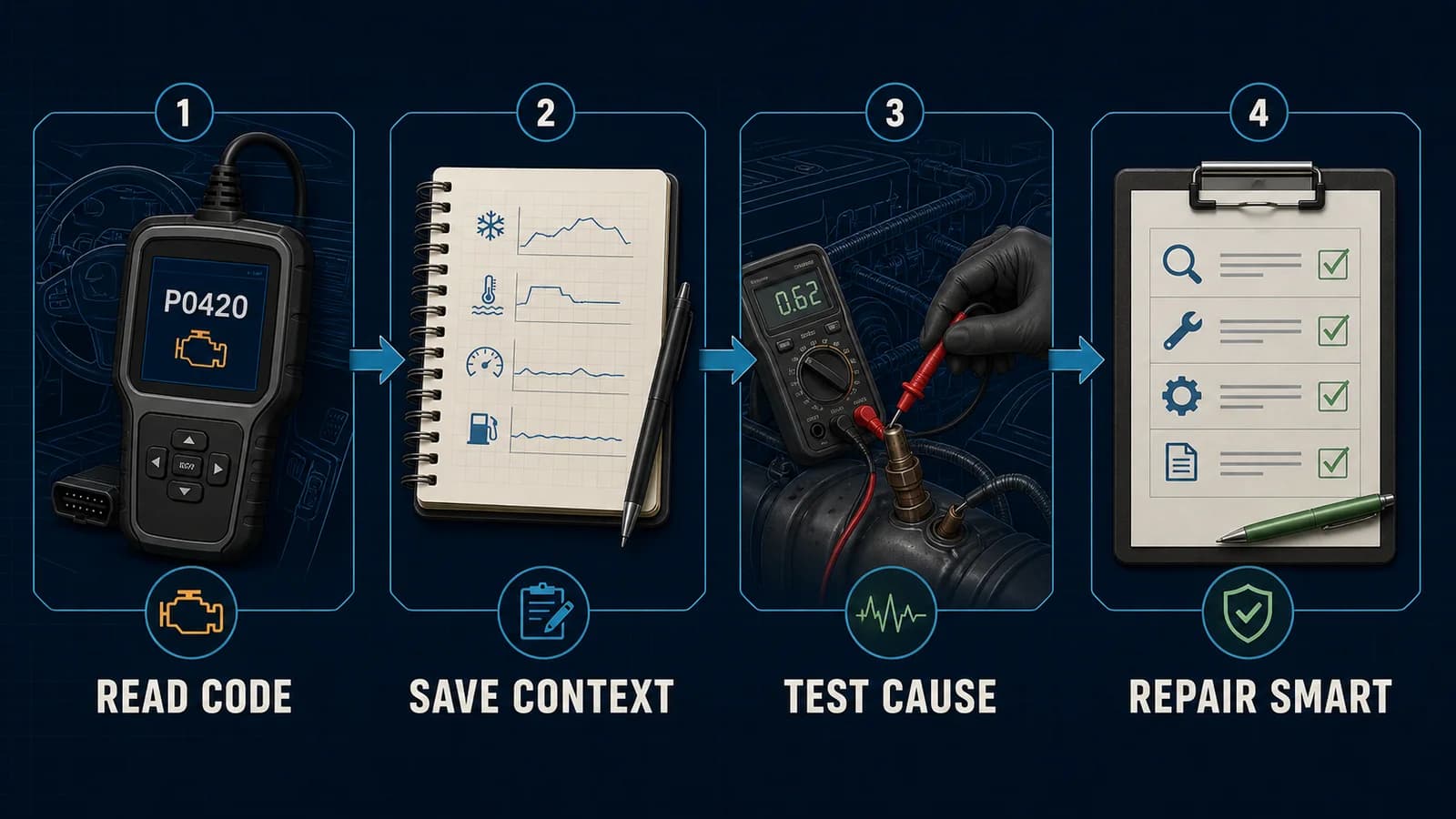
For beginners, the most valuable workflow is capture before clearing. Save every code, pending code, freeze-frame value, dashboard warning, symptom, recent repair, and operating condition. That context gives a technician more than a bare code number.
Enhanced access such as ABS, airbag, transmission, or manufacturer-specific data is not universal. Coverage depends on the scanner, app, vehicle make, model, year, and sometimes a paid software tier. Verify the exact system rather than relying on the phrase “all systems.”
How we selected these options
We evaluated the products against the job this guide is meant to solve. The list is a decision shortlist, not a claim that one product is universally best.
- Ease of setup for a first-time user.
- Clarity of code retrieval and clearing workflow.
- Vehicle and system coverage stated by the manufacturer.
- Phone, app, and subscription dependencies.
- Ability to export information for a repair conversation.
Our three practical picks
Pick 1 · App-guided diagnostics and broader system access
BlueDriver Bluetooth Pro OBD2 Scanner
A Bluetooth scanner with an integrated app, code explanations, and supported access to systems such as ABS and airbags on compatible vehicles.
- Connection
- Bluetooth
- Platform
- Integrated mobile app
- Enhanced systems
- Vehicle-dependent ABS and SRS
- Subscription
- None listed
Where it fits
- Guided app experience
- No listed subscription
- Broader supported diagnostics
Limitations to know
- Advanced-system coverage varies by vehicle
- Requires a compatible phone and app
Compatibility: Check the manufacturer vehicle coverage list, especially for ABS, SRS, and TPMS functions.
Check product on Amazon →Pick 2 · Simple check-engine-code reading
ANCEL AD310
A wired handheld scanner for reading and clearing engine-related OBD2 codes without pairing a phone.
- Connection
- Wired handheld
- Primary scope
- Engine OBD2 codes
- Phone needed
- No
- Power
- Vehicle diagnostic port
Where it fits
- Standalone operation
- Straightforward controls
- No app account required
Limitations to know
- Primarily engine diagnostics
- Smaller screen and fewer guided explanations
Compatibility: A practical choice for basic OBD2 engine codes on compatible 1996-and-newer US-market vehicles.
Check product on Amazon →Pick 3 · Drivers who want to choose their own app
Veepeak OBDCheck BLE
A compact Bluetooth Low Energy adapter for iOS and Android that works through compatible third-party diagnostic apps.
- Connection
- Bluetooth Low Energy
- Phone support
- iOS and Android
- Software
- Compatible third-party app required
- Format
- Compact adapter
Where it fits
- Small adapter
- Broad app choice
- iOS and Android support
Limitations to know
- Capabilities and costs depend on the chosen app
- Vehicle coverage varies by app and system
Compatibility: Verify both the adapter and selected app support your phone, vehicle, and desired functions.
Check product on Amazon →Setup and ownership plan
- 1
Locate the port safely
Find the diagnostic connector with the vehicle parked and avoid forcing the plug.
- 2
Capture before clearing
Record stored and pending codes plus freeze-frame information before taking any action.
- 3
Add symptom context
Note noises, temperature, speed, fuel level, recent repairs, and when the warning appeared.
- 4
Escalate serious warnings
Stop driving for flashing engine, oil-pressure, brake, overheating, or abnormal-noise conditions.
Questions to answer before checkout
- Which modules are supported for this exact vehicle?
- Does the app require a subscription or paid add-ons?
- Can reports and live data be exported?
- Does the device work with the phone operating system?
- Is firmware and vehicle coverage kept current?
Common buying mistakes
- Replacing the part named in a code without testing
- Clearing evidence before recording it
- Buying an app adapter without checking ongoing costs
- Assuming no code means no mechanical problem
Buying checklist
- Confirm your vehicle is OBD2-compatible.
- Check whether you need engine-only or broader ABS/SRS access.
- Verify iOS or Android support before buying Bluetooth hardware.
- Never clear a code before recording it and related freeze-frame data.
- Treat the code as a starting point, not a parts-replacement instruction.
Frequently asked questions
Will an OBD2 scanner tell me exactly what is wrong?+
No. A code identifies a monitored condition or circuit. Diagnosis may still require inspection, testing, service information, and professional judgment.
Can I clear the check-engine light myself?+
Many scanners can clear codes, but clearing them also removes useful diagnostic information and does not repair the cause. Record codes first.
Do OBD2 scanners work on every car?+
Most US-market passenger vehicles from model year 1996 onward support standard OBD2, but enhanced systems and functions vary by make, model, year, and scanner.
Is Bluetooth or handheld better for beginners?+
Handheld units are simpler and independent of a phone. Bluetooth units can offer richer explanations and live data but add app and compatibility decisions.
Can a scanner help with an insurance claim?+
It may document warning codes after an incident, but it does not establish causation or coverage. Preserve records and let qualified technicians and the insurer evaluate damage.